CVE

TP-Link Archer AX73 and BE230: two command injection vulnerabilities

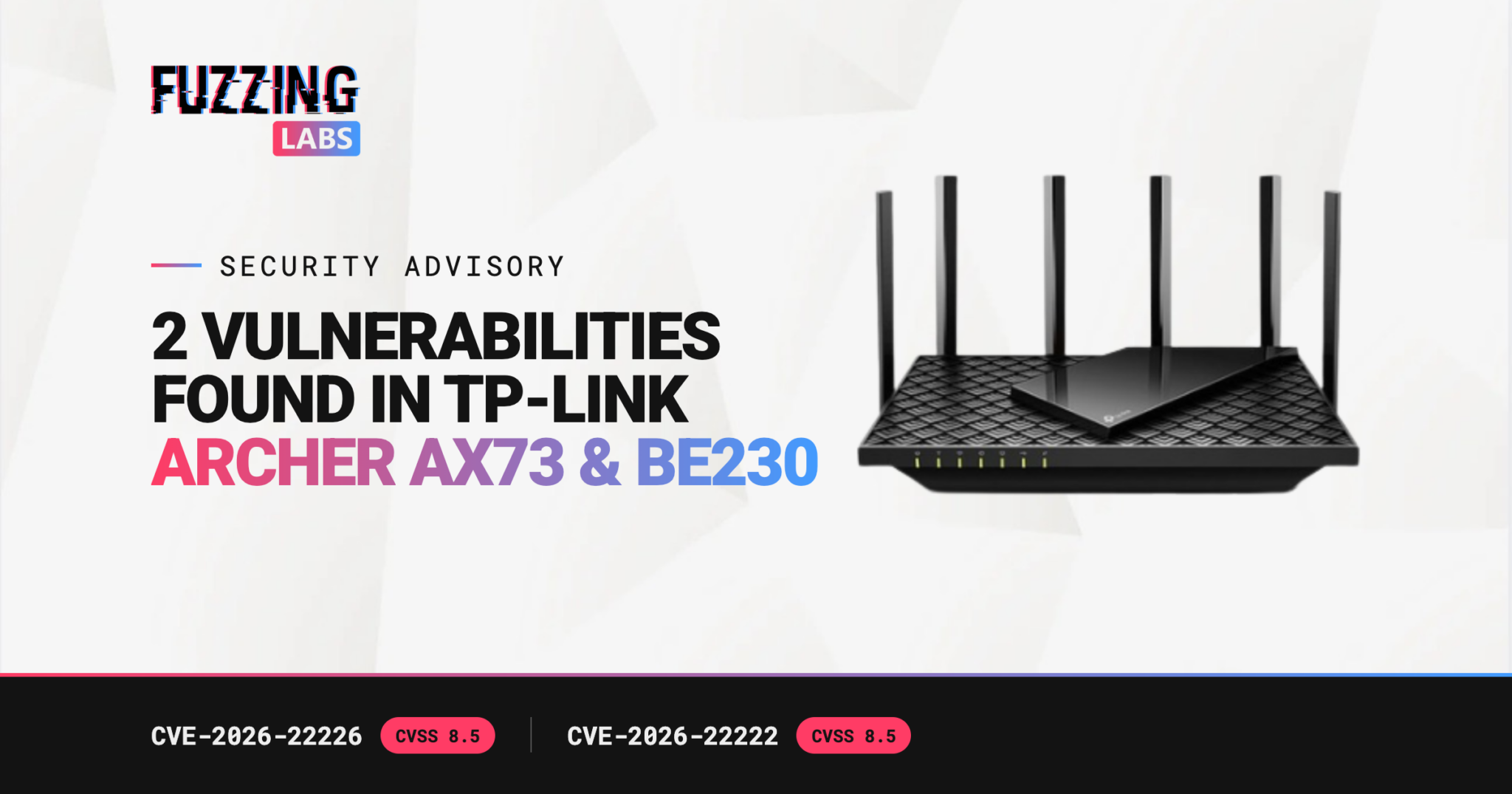
A FuzzingLabs researcher reported two OS command injection vulnerabilities in TP-Link Archer routers. CVE-2026-22226 affects the Archer AX73 v2 and the Archer BE230 v1.2. CVE-2026-22222 affects the Archer BE230 v1.2. Both let an authenticated attacker on the local network run arbitrary commands and take full administrative control of the router. TP-Link has released fixed firmware.

VendorTP-Link
CVE-2026-22226OS command injection in the VPN server configuration module. Archer AX73 v2 and Archer BE230 v1.2
CVE-2026-22222OS command injection in the web modules. Archer BE230 v1.2
SeverityCVSS 4.0: 8.5 (High)
Fixed firmwareArcher AX73 v2: 1.3.1 Build 20260430
Archer BE230 v1.2: 1.2.4 Build 20251218 rel.70420
StatusFixed and published by TP-Link through coordinated disclosure

What did FuzzingLabs find?

Two separate OS command injection bugs, in two different parts of the router firmware. One sits in the module that configures the router’s built-in VPN server. The other sits in the web modules behind the administration interface.

Both appear in a wider TP-Link security advisory, updated on 18 September 2026, that lists several command injection flaws across five TP-Link products. TP-Link tracks each issue under its own CVE, because each one lives in a distinct code path.

The researcher who found them prefers to stay anonymous. The vulnerabilities went through coordinated disclosure, and we thank the TP-Link PSIRT team for handling it.

What is an OS command injection?

An OS command injection happens when a program builds an operating system command from user input without checking that input first. If an attacker slips extra characters into it, the system runs the attacker’s commands along with the intended one.

On a router, the input is typically a settings field: a VPN parameter, a name, a configuration value. If that value ends up in a shell command on the device, whoever controls the field controls the device. MITRE catalogs this weakness as CWE-78.

What is the impact of these vulnerabilities?

The router controls everything behind it. According to TP-Link, successful exploitation can give an attacker full administrative control of the device, compromising configuration integrity, network security and service availability.

The CVSS 4.0 vector published by TP-Link shows what an attacker needs:

  • AV:A (adjacent network): the attacker must be on the same local network as the router. These are not attacks from anywhere on the internet.
  • PR:H (high privileges): the attacker needs administrator credentials.
  • UI:N (no user interaction): nobody has to click anything.
  • VC/VI/VA:H: the impact on the router’s confidentiality, integrity and availability is high.

The privilege requirement is real. It is also easier to meet than it looks. An administrator password that is weak, reused or still set to its default is enough. And once an attacker controls the router, they sit between every connected device and the internet. That is a persistent foothold on the whole network.

How do you protect your TP-Link router?

Update the firmware. TP-Link’s fixed versions are:

Then apply the basics:

  • Replace the default administrator password with a strong, unique one.
  • Keep the administration interface off networks that do not need it.

Why does router firmware need continuous testing?

The same TP-Link advisory lists command injection flaws in five products at once. One bug class, many code paths.

Every firmware release adds code that parses data from the network or from the user. Each new path is a new chance for the same mistake. An audit once a year sees one version. The attacker sees all of them.

How does FuzzForge help find this kind of flaw?

This finding came from manual research. It is also exactly the kind of search that FuzzForge is built to automate.

FuzzForge, our offensive security platform, helps security teams and CERTs continuously validate the security and compliance of their products, by orchestrating a fleet of specialized AI agents that runs on-premises. On firmware, it extracts the image, flags calls to dangerous functions, such as the ones that run shell commands, and checks which of them attacker-controlled input can actually reach. Every finding comes with the evidence behind it.

That know-how comes from the team’s research. FuzzingLabs researchers have won at Pwn2Own, most recently on a Brother printer at Pwn2Own Ireland 2026, and our work has led to the CVEs listed on our trophies page. If you build connected products, see how we work with embedded product vendors and OEMs.

FAQ

The Archer AX73 v2 before firmware 1.3.1 Build 20260430, and the Archer BE230 v1.2 before firmware 1.2.4 Build 20251218 rel.70420.

The Archer BE230 v1.2 before firmware 1.2.4 Build 20251218 rel.70420, according to TP-Link and the NVD.

Not according to their CVSS vector. The attacker needs access to the local network and administrator credentials on the router.

TP-Link scores both at 8.5 (High) under CVSS 4.0. The NVD scored CVE-2026-22222 at 8.0 (High) under CVSS 3.1. The two figures come from two versions of the scoring system.

Update your router to the fixed firmware listed above, then change the default administrator password.

Prune Nespola, Lead Marketing at FuzzingLabs

About Us

FuzzingLabs was founded in 2021 by Patrick Ventuzelo, a vulnerability researcher who spent more than ten years finding the flaws hidden in firmware and binaries. He built FuzzingLabs to turn that passion into a company, and to teach it.

Today, FuzzingLabs is a French team of researchers and engineers. They compete at Pwn2Own, present at Black Hat and OffensiveCon, and pour that same passion into FuzzForge, the platform at the heart of the company.

Keep in touch with us !

email

contact@fuzzinglabs.com

X

@FuzzingLabs

Github

FuzzingLabs

LinkedIn

FuzzingLabs

email

contact@fuzzinglabs.com

X

@FuzzingLabs

Github

FuzzingLabs

LinkedIn

FuzzingLabs